

Canned response templates are pre-written messages that let you answer the questions your business gets over and over every day, such as price, stock, delivery, business hours and returns, within seconds, consistently and accurately. A good template is short, answers the question directly and guides the customer to the next step (an order, an appointment, directions). Below you'll find sample replies for the 15 most common customer questions that you can copy and adapt, plus how to teach these templates to a chatbot.
Once you've written your templates, you can start using them from day one by adding them to the greeting and quick reply messages in the WhatsApp Business app.
Why do canned response templates work?
Most of the messages a business receives are similar. Customers ask about the price, the address, delivery times or payment options. Writing these answers from scratch every time takes time and leads different employees to give different answers. Canned responses solve both problems at once.
- Speed: Sending a written answer takes far less time than retyping it.
- Consistency: Everyone shares the same price, the same return terms and the same address.
- Accurate information: A template is checked once and then used with confidence.
- Brand voice: Your business's tone is maintained from greeting to sign-off.
How do you write a canned response?
Good canned responses follow a few simple rules. Give the answer first, then the explanation. Cover one topic per message. Mark information that may change (prices, dates, stock) with square brackets so you don't forget to update it before sending. End every message by telling the customer what to do next, such as "Just send us your name and address to place your order." Finally, read the text out loud; if it sounds robotic, simplify it.
Sample replies for the 15 most common customer questions
The canned response examples below are kept general so they fit different industries. Fill in the parts in square brackets with your own information.
Price and product questions
- "How much is it?" "Hi, our current price for [product/service] is [price]. The price includes [what's included]. If you'd like to place an order or book an appointment, I'm happy to help right away."
- "Is it in stock?" "[Product] is currently [stock status]. If you tell me the size, color or quantity you want, I can set it aside for you."
- "Which one do you recommend?" "I have two quick questions to find the best option for you: What will you be using the product for, and roughly what's your budget? Based on your answers, I'll share two options."
- "Do you have any promotions?" "Our current promotion is [promotion and end date]. The promotion applies to [terms]."
Order, delivery and appointment questions
- "When will my package arrive?" "Orders ship within [number of days] business days. Once your order ships, we'll send you the tracking number."
- "Where's my order?" "Let me check right away. Could you send me your order number or the name used on the order?"
- "Can I book an appointment?" "Of course. Which service, and what day and time window do you prefer? If you also share your name and phone number, our team will confirm your appointment."
- "Can I change my order?" "If your order hasn't shipped yet, we can make changes. Could you send me your order number and the change you'd like to make?"
Location and business hours
- "Where are you located?" "Our address is [full address]. Map link: [map link]. We're next to [well-known nearby landmark], and parking is [available/not available]."
- "How late are you open?" "We're open [hours] on weekdays and [hours] on Saturdays. On Sundays, [status]. You can also leave a message outside business hours, and we'll get back to you first thing during business hours."
We recommend preparing a separate template for public holidays and Bayram (the Eid holidays in Turkey). We explain which message to send during these periods, with examples, in our guide to holiday auto-replies.
Payments, returns and complaints
- "What payment methods do you accept?" "You can pay by [your options, such as credit card, bank transfer or cash on delivery]. Installment options: [details]."
- "How do I return an item?" "You can return the product within [number of days] days of receiving it. Steps: [short steps]. If you send us your order number, we'll start the process."
- "Do you issue invoices?" "Yes, we issue an invoice for every order. If you need a corporate invoice, just share your company name and tax details."
- "The product arrived damaged." "We're sorry for the trouble. Could you send a photo of the product and packaging along with your order number? Our team will handle this as a priority."
- "I'd like to speak to someone." "Of course, I'm transferring you to our team. If you briefly describe the issue, our colleague can get back to you prepared."
With messages that contain complaints, the template only takes the first step. An employee needs to take on the actual resolution. Keep the template limited to an "I understand, we're on it" message, and don't add a commitment you can't keep.
Sharing canned responses across the team
The real benefit of templates shows up when the whole team uses the same list. When everyone keeps separate notes on their own phone, it quickly turns into a customer service canned response list that contradicts itself. To prevent that, you can set up this structure:
- Keep a single master document: Keep all templates in one document, along with their question headings.
- Assign an owner: Make it clear who updates the document when prices or promotions change.
- Add a version date: Write the date of the last update at the top of the document.
- Collect new questions: If a question without a template comes up three times, write a new template.
- Review monthly: Remove answers that are no longer asked about or have become outdated.
As the team grows, topics like templates, who handles which message and how to share the load during busy times become more important. To set up this structure correctly from the start, take a look at our guide to setting up WhatsApp customer service.
Instagram saved replies and WhatsApp quick replies: where are their limits?
Instagram professional accounts and the WhatsApp Business app both have a saved replies feature. These tools work well at low volume, but they have a few limitations:
Situation | In-app saved replies | Trained chatbot |
|---|---|---|
Who sends the message? | An employee has to pick the template | The bot understands the question and replies itself |
After hours | Waits until someone checks the phone | Replies 24/7 |
Questions phrased differently | The employee has to find the right template | "How much?" and "What's the cost?" are understood as the same question |
Updates | Separately on each device | The knowledge source is updated from one place |
As your message volume grows, teaching the same content to a chatbot becomes more efficient than having an employee pick templates by hand.
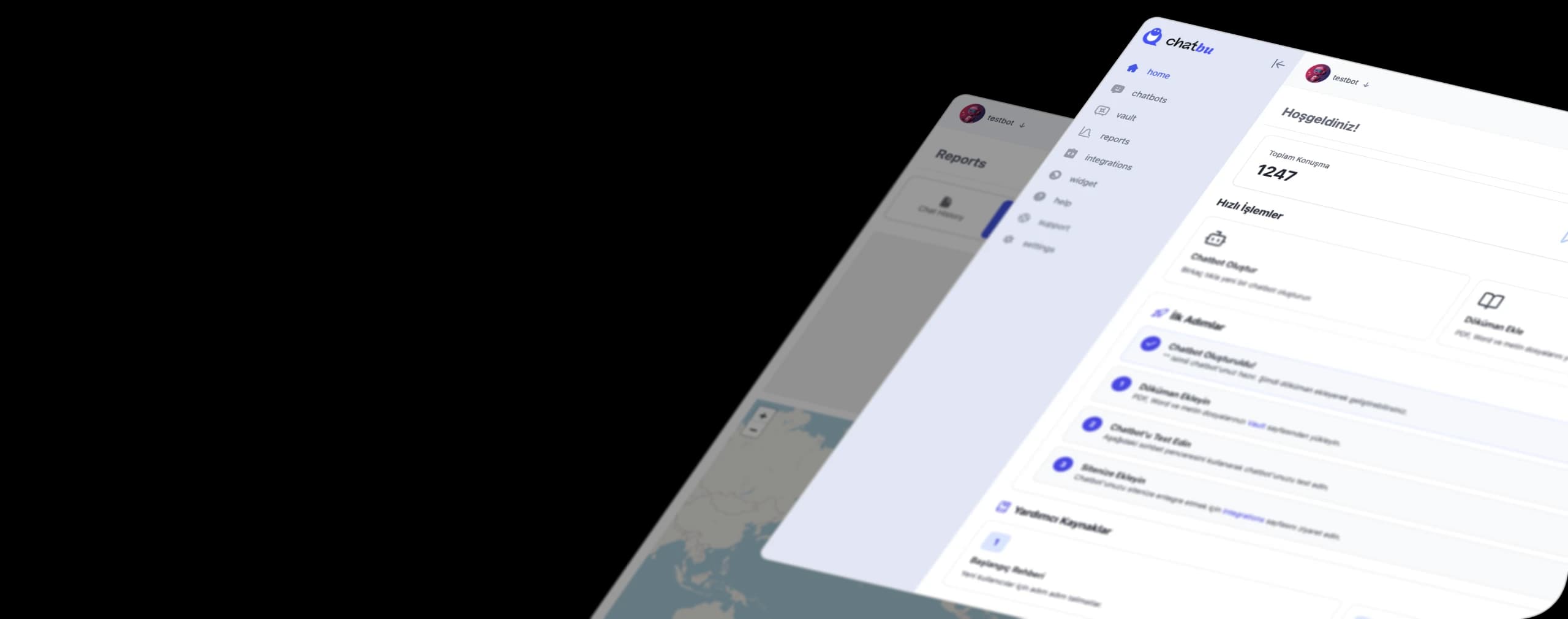
Teaching your canned response templates to a bot with Chatbu
Chatbu is an AI-powered chatbot platform that you train with your own data. The template document you've prepared can become the foundation of the bot's knowledge source. Here are the steps:
- Start the trial: Open a 14-day free trial at chatbu.io; no payment details required.
- Upload your template document: Add the document containing the questions and sample answers as a file. Upload your price list and return terms too.
- Add your web pages: Include the product, service and contact pages from your site in the knowledge source.
- Exclude outdated content: Leave ended promotion pages out of training so the bot doesn't share old information.
- Set the tone: Use the brand voice customization options to carry the friendly or formal language of your templates over to the bot. You also define the bot's behavior and design here.
- Connect your channels: Embed the bot on your website, and connect your Instagram DM and WhatsApp accounts through the Meta integration.
- Collect requests: Use the lead collection feature to capture the name and phone number of customers who ask for an appointment or a quote in the chat.
- Read the chat history: Identify topics the bot couldn't answer or that customers asked about again, and add them to your template document.
With this setup, your templates live in one place. When a price changes, updating the document is all it takes for the bot to give the current answer too. With the Chatbu mobile app, you can follow live chats from your phone and step into the conversation yourself when needed.
Frequently Asked Questions
How do you write a canned response?
Give the direct answer to the question first, add a short explanation if needed and end the message by telling the customer the next step. Mark information that may change and keep the text simple.
What's the difference between Instagram saved replies and a chatbot?
Saved replies on Instagram have to be selected and sent by an employee. A trained chatbot understands the incoming question, gives the right answer itself and works after hours too.
How many message templates should I prepare?
There's no fixed number. Read the messages you've received over the past few weeks, list the most frequently repeated questions and start with those. For most businesses, the 15 questions in this post are a good starting point.
Do templates come across as cold to customers?
They can if they're not personalized. Using the customer's name, answering their question directly and choosing natural language reduce that effect. On sensitive topics like complaints, it's best for an employee to take over the conversation.
How do I keep templates up to date when prices change?
Keep all your templates in a single document and assign an owner. If you use Chatbu, just upload the updated document and exclude the old one.
Turn your templates into an assistant that works 24/7. Try Chatbu free for 14 days, no payment details required. To get started, visit chatbu.io.