

Lead capture with Chatbu happens inside a natural conversation: after the bot answers a customer's question, it asks for contact details such as name, phone number and area of interest, and saves them. A visitor who can't be bothered to fill out a form is far more willing to share their details in a conversation where they've just gotten an answer, and you get to start each morning with a ready-made list of prospects, even from requests that came in after hours. If you want to brush up on the basics first, take a look at our post on what a lead is.
What is lead capture, and why is it easier through conversation?
Lead capture means saving the contact details of people who are interested in your product or service so you can reach out to them later with a sales goal in mind. The broader process is commonly called lead generation. A prospect is someone who hasn't bought yet but has shown interest.
The classic method is the form: "Leave your details and we'll call you." Forms work, but they ask for information without offering anything in return. A conversation flips the order. You answer the customer's question first, then ask for their details. A request that comes after the customer has seen some value feels far more reasonable to them.
The chatbot lead generation approach has three advantages:
- Context: Because you know what the person asked, the lead isn't just a phone number but a prospect with a clear area of interest.
- Timing: The information is collected when interest is at its peak, right while the question is being asked.
- Continuity: The bot works through the night, so after-hours requests don't slip away.
Which conversations count as a prospect?
Not every conversation is a lead. Someone asking about your opening hours isn't worth the same as someone asking for a quote. Deciding who the bot should ask for details matters, both to avoid annoying customers and to make good use of your team's time.
Conversation signal | Sample message | What should the bot ask for? |
|---|---|---|
Price or quote request | "Can I get a price for this package?" | Name, phone, service of interest |
Appointment or visit request | "Can I come by and see it on Saturday?" | Name, phone, preferred day |
Availability question | "Is this model in stock?" | Name, phone, product of interest |
General information | "How late are you open?" | Usually nothing; just the answer |
Once you write this distinction into the bot's behavior settings, the bot won't burden someone asking a general question with a form, and it will politely ask for details from someone who is close to buying.
Lead capture on your website
Most website visitors leave quietly because they can't find anyone to ask their question. A chat window on your site gives these visitors a way to ask, and while the bot answers, it also requests contact details at the right moment. We covered why visitors leave without buying and what you can do to stop missing conversion opportunities in a separate post.
The logic is the same on Instagram DM and WhatsApp. A follower who sees your post and sends a message is already interested. When the bot answers their question and then asks, "Would you like us to give you a call with more details?", the conversation naturally turns into a prospect.
When choosing a channel, look at where your customers message you most. For a business that announces its campaigns on Instagram, DMs will bring in more leads; for a service company with high website traffic, on-site chat will. Since Chatbu lets you use all three channels together, you don't have to pick just one, and after a few weeks the chat history will show you which one performs best.
Disclosure when asking for a phone number
Contact information is personal data. Article 10 of Law No. 6698 on the Protection of Personal Data, known as KVKK (Turkey's Personal Data Protection Law), requires the data controller to inform people when collecting their personal data: the identity of the data controller, the purpose of processing, to whom and for what purpose the data may be transferred, the method and legal basis of collection, and the person's rights under the law. We recommend reviewing the Turkish Personal Data Protection Authority's publication on the obligation to inform.
In practice, the bot can add a short note before asking for a phone number: "We'll only use your number to follow up on your request. You can read our privacy notice here." It's best to finalize the content of your privacy notice with a legal advisor; this post is general information, not legal advice.
Case study: after-hours requests
In the customer reviews on Chatbu's website, Oğuzhan Uğurlu from the automotive business Günsa explains that vehicle models, project visuals and appointment requests are handled for customers instantly, even outside business hours. According to the review, requests that come in at night can be answered within seconds, and the business has seen a noticeable increase in sales conversions.
What this example means for lead capture is clear: if a customer who messages at night has to wait until morning, their interest can cool off. When the bot both answers the question and records the appointment request, the team starts the morning with a prospect whose interest is still fresh.
How do you set up lead capture with Chatbu?
Setup requires no technical knowledge. You can see the overall flow on the how Chatbu works page. Here are the steps we recommend for lead capture:
- Open your account: Start the 14-day free trial at chatbu.io. No payment details required.
- Train the bot: Add your service, product and FAQ pages, and upload documents such as brochures or catalogs as files. The more accurately the bot answers, the more comfortable customers feel sharing their details.
- Exclude outdated content: Leave expired campaigns and out-of-date pages out of the training.
- Turn on lead capture: Decide which details the bot should ask for. Name, phone number and service of interest are usually enough. Too many questions turn the conversation into a form.
- Define the timing: Write an instruction in the behavior settings such as "After answering someone who asks about pricing, a quote or an appointment, ask for their contact details." Add the disclosure note to this instruction as well.
- Connect your channels: Embed the bot on your website, and add Instagram DM and WhatsApp through the Meta integration.
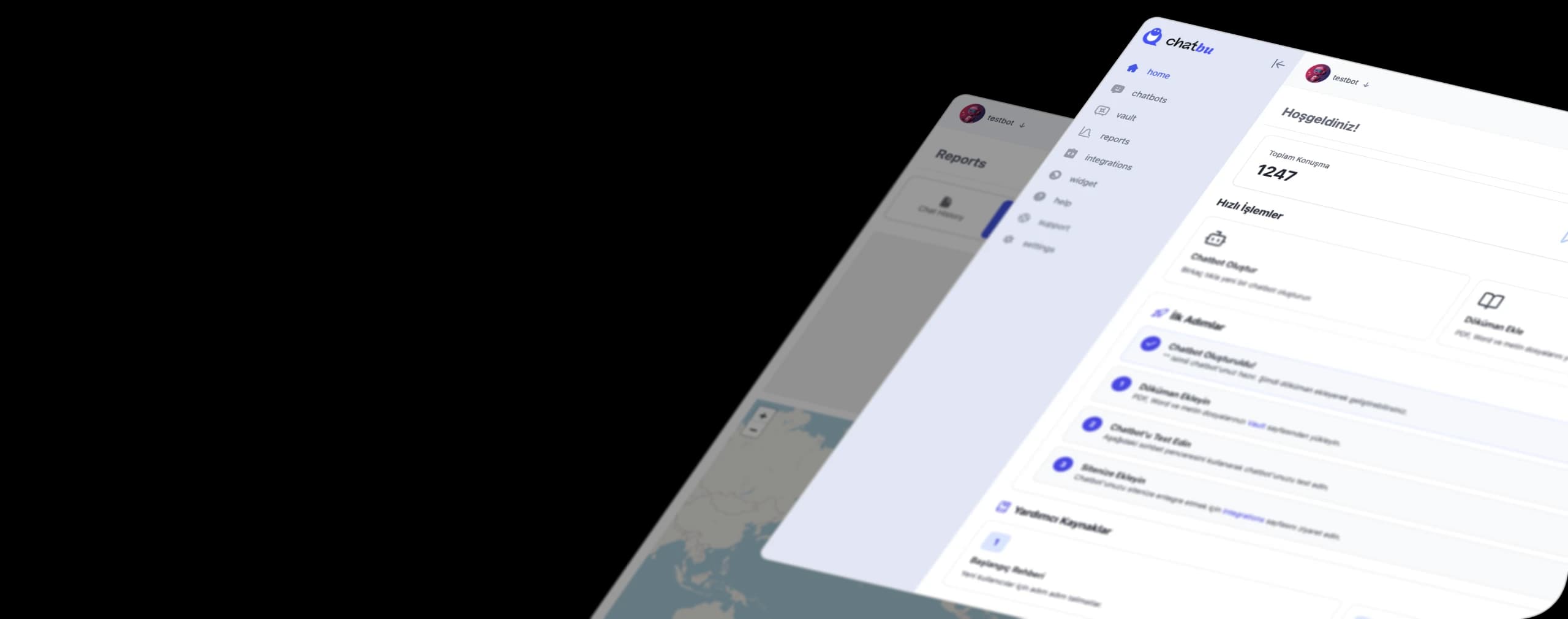
- Install the mobile app: Follow live conversations with the Chatbu mobile app, get notified when a customer joins a chat, and respond to a hot request yourself right away.
How should you follow up on the leads you collect?
Collecting leads is only half the job. The other half is getting back to these people on time with the right message.
- Follow up the same day: A call or message while interest is still fresh is the most effective.
- Open with context: Starting with "You messaged us last night about model X" makes the customer feel heard.
- Read the conversation: Read the lead's chat with the bot before reaching out; know what they asked and what objections they raised. We've also explained how to pull sales insights from chat history in a separate post.
- Note the source: Knowing whether a lead came from your website, Instagram or WhatsApp shows you which channel deserves more of your effort.
Common lead capture mistakes
- Asking for details without answering: Customers won't give their number to a bot that doesn't answer their question. Value first, then the ask.
- Asking for too many fields: Name, phone number and area of interest are enough for most businesses. Save questions like email, address or budget for the sales call.
- Asking everyone the same thing: Saying "let us take your number" to someone who asked about opening hours makes the bot look pushy.
- Letting collected details sit: A lead that's been recorded but never called is no different from a lead that was never collected. Make one person on your team responsible for follow-up.
Frequently Asked Questions
What is lead capture?
Lead capture means saving the contact details of people interested in your product or service so you can reach out to them later with a sales goal in mind. It can be done in different ways, such as forms, chat, events or campaign landing pages.
What is lead generation, and is it different from lead capture?
Lead generation is the general term for the process of generating prospects. It's often used interchangeably with lead capture or lead collection; in everyday use they mean the same thing.
Does collecting leads with a chatbot annoy customers?
Not if it's done at the right time. The bot answers the question first, then asks for brief details only from people showing signals that they're close to buying. Not asking for details from visitors with general questions is also a good rule.
What should I keep in mind when collecting phone numbers?
State clearly what you'll use the number for and link to your privacy notice. It's a good idea to review the disclosure requirements in Article 10 of KVKK with a legal advisor.
How do I see leads collected after hours?
Because the bot works at night too, requests get recorded; you can review those conversations in the morning through the chat history and the mobile app, then follow up.
Turn every conversation into a prospect. Try Chatbu free for 14 days, no payment details required. To get started, visit chatbu.io.