

Friday night, 9:40 PM. The dining room is full, the kitchen is busy, or you're attending to a client on the couch, and your phone vibrates: "Do you have a spot available for tomorrow?" By the time you notice the message, the client may have already texted somewhere else. WhatsApp customer service is exactly what managing that moment is all about, and it's easier to set up than you might think.
The shortcut is this: open WhatsApp Business with a separate business number, set up the profile, messages, and tags, delegate frequently asked questions to a chatbot, write rules to handle difficult topics with a human, and measure response time. This guide explains each step in a way that scales from a single phone to a small team and then to AI.
If this isn't what you're looking for: If you want to reach a brand's WhatsApp number, get it from the brand's own website's contact page or the WhatsApp button on their official social media profile. Don't trust third-party numbers that appear in search results. We've briefly touched on this in the frequently asked questions below.
Why did WhatsApp become the primary channel for customer service?
Because your customers are already there. According to the Turkish Statistical Institute's 2025 Household Information Technology Usage Survey, 88.6% of people aged 16-74 use WhatsApp. This rate is higher than YouTube (72.9%) and Instagram (68.1%).
From a business perspective, the result is clear: instead of calling or emailing, customers are asking questions through the app they use daily. The faster you respond to that question, the higher the chance of getting a reservation, appointment, or order. The problem is that messages don't always fit within business hours.
Before we begin: which type of WhatsApp account is right for you?
For most SMEs, the right starting point is the free WhatsApp Business app. As message volume and team growth increase, the WhatsApp Business Platform (API) for AI and shared inboxes comes into play. Standard WhatsApp, however, is not suitable for customer service because it lacks business tools.
| Standard WhatsApp | WhatsApp Business application | Business Platform (API)
Suitable for : | Personal use | One person or small team | Growing team, automation
Business profile, catalog, label | None | Yes | Via the software you are using
Automated message | None | Welcome, distant, quick response | Conditional response, chatbot
Teamwork | One person | Main phone + limited number of connected devices | No limit on the number of agents
Cost | Free | Free | Meta message fee + software provider fee
The limitations of the application are also summarized in Infobip's comparison : a limited number of connected devices, no chatbot or CRM integration. The platform, however, supports unlimited agents and full automation. Pricing details change frequently, so we are not giving specific figures here. You can find the current structure in our article "What is WhatsApp Business, is it paid?" .
A simple rule of thumb: if you receive a few dozen messages a day and only respond to one, the app is sufficient. If you're repeating the same questions throughout the day, missing messages outside of working hours, or multiple people are writing to the same line, it's time to switch to the API.

Step-by-step WhatsApp customer service setup.
The first seven steps of the setup are free and can be completed in an afternoon. Don't break the order, as each step lays the groundwork for the next.
- Use a separate business number. If you confuse your personal line with your customer line, family group messages and late-night orders will appear on the same screen. The number should remain associated with the business, even if the team changes.
- Complete the profile thoroughly. Include business name, category, brief description, address, business hours, email, and website. Business hours are not only for informational purposes but also serve as the basis for the automated after-hours message.
- Set up your welcome and away messages. We've explained the menu paths and scheduling options step-by-step in our article on how to set up automatic messages for WhatsApp Business , so we won't repeat them here. Below, we'll focus only on what you need to write .
- Set up the labeling system. We'll explain it below.
- Write quick answers to the ten most frequently asked questions. These include address, hours, price, appointment conditions, and cancellation policy.
- Determine who is responsible for the line. Saying "everyone handles it" means no one is actually responsible. Assign a supervisor for each shift.
- Make sure customers can reach you. Add a WhatsApp link to your website, Instagram profile, and Google business profile. If you have a WhatsApp number but nobody knows about it, you won't receive messages.
Tags show at a glance what stage a conversation is in within a crowded inbox. Five or six tags are enough:
Tag | When to use it
New | First message received, no reply yet.
Waiting for information | We are waiting for date, measurements, or a photo from the customer.
Confirmed | Reservation or appointment is finalized.
Payment pending | Prepayment or bank transfer expected.
Complaint | Manager should look into it
Following up | Will write again in a few days
There's only one requirement for tags to work: they need to be updated at the end of every chat. Once a week, check the chats that are still tagged "New." You'll find forgotten customers there.
Greeting, busy, and after-hours messages.
A good automated message says three things: that you received the message, when you'll get back to me, and what the customer can do in the meantime. WhatsApp Business doesn't have a separate message type for "busy." You can schedule an "away" message during peak hours to achieve the same result.
Consider three different tones for the three situations:
- Greeting: This keeps the initial contact warm and asks for information. The customer should know what to write.
- Busy (peak hour): Gives a realistic timeframe. "Within 20 minutes" is more reliable than "as soon as possible," but only if you can keep it.
- After working hours: Clearly states your working hours and return time.
Example scenario, restaurant: On Friday evening when service begins, activate the message: "We are at our service time, we will get back to your reservation message within 20 minutes. Providing the date, time, and number of people will help us speed up." The customer will know they are waiting, and you won't have to ask again with incomplete information.
Example scenario, beauty salon: A message arrives at night asking, "How much does hair dye cost, and how long does it take?" The automated message after business hours replies, "We received your message, we will get back to you after 10:00 AM tomorrow. Please specify your available days and services for your appointment." The customer finds all the information ready in the morning.
Be aware of the automated message's limitations: everyone receives the same text, and the message only includes the first response. You need to proceed to the next step to answer the question, "Is there a table for four on Saturday?"
Delegating frequently asked questions to a chatbot.
The most effective way to scale WhatsApp customer service is to delegate repetitive questions to a chatbot. The chatbot learns from your documentation and FAQs. Unlike rule-based messaging, it understands the question and provides a specific answer.
Do this short exercise before handing over the reins:
- Review the messages from the last two weeks and identify the ten most frequent questions.
- Write a single, up-to-date answer for each question. Update this answer as prices, hours, and policies change.
- Gather the responses as documents: menu PDF, price list, cancellation and refund policies, relevant pages on your website.
- List the topics the bot shouldn't answer: complaints, payment issues, health-related questions, and personal requests.
Chatbu allows you to train your bot using PDF, Word, Excel, TXT, and CSV files, as well as pages from your website. You connect your WhatsApp Business account with your Facebook login. The bot responds to messages 24/7, even at 3 AM, and understands the language the customer is using, acting as a customer support tool.
A small word of caution here: before linking your number to an API-based tool, ask your tool provider how your existing chat history and phone usage will be affected. Taking your time with the migration decision is the most valuable advice for the first week.
Team division of labor and delegation rules
No matter how good the bot is, some conversations are human-like. The point is to write down in advance when and how the call will happen. When a customer writes a complaint or says "I want to speak to someone in charge," the answer shouldn't be "we'll get back to you tomorrow."
Meta also expects a clear path for the customer to reach a human when using automation. In other words, handing over to a human is necessary for both good service and platform compatibility.
You can write your handover rules as follows (adjust the durations according to your own business):
Trigger | Who takes over | Suggested initial response time
Customer wants a "representative" or "human" | Customer representative | Immediately, within a few minutes during business hours
Complaint, dissatisfaction | Manager | Same day, 15-30 minutes if possible
Payment, refund, cancellation issue | Responsible party | Same day
The bot couldn't understand the same question twice | Customer service representative | A few minutes during working hours
Special request (group booking, bridal package) | Business owner | Same day
These timeframes are suggestions, not a universal standard. What's important is that the timeframe is written down and measurable.
The handover is also part of the customer experience. A good handover message might be: "I'm connecting you with [name] from our team regarding this matter. They usually get back to you within 10 minutes between 9:00 AM and 6:00 PM on weekdays." The customer knows both who they've reached and how long to wait.
In Chatbu, handover means transferring the entire chat history to the team. The agent doesn't have to ask anything again. You receive email and phone alerts for chats containing complaints. Chats can be distributed sequentially to team members who are open to live support. Each person with Owner, Manager, and Customer Representative roles can only see the chats assigned to them.

How are response time and satisfaction measured?
You can't improve what you don't measure, but you don't need advanced software for measurement. Four numbers are enough to start with: first response time, number of missed messages outside of working hours, human turnover rate, and satisfaction.
Metric | What it indicates | How it is measured
First response time | How long does the customer wait? | Randomly select 20 chats per week and note the time between the first message and the first human or bot response.
Missed messages outside of working hours | Lost opportunity | Please count messages received at night and on weekends until they are answered in the morning.
Turnover rate | What the bot actually solved | Dividing the number of chats turned over by the total number of chats.
Satisfaction | Customer Reception of the Service | One question at the end of the chat: "How would you rate the service you received today on a scale of 1-5?"
Don't expect perfect numbers on the first measurement. The goal is to establish a starting point. Write down the average of the first two weeks, then check it every week using the same method. A decreasing time and an increasing score are signs that you are on the right track.
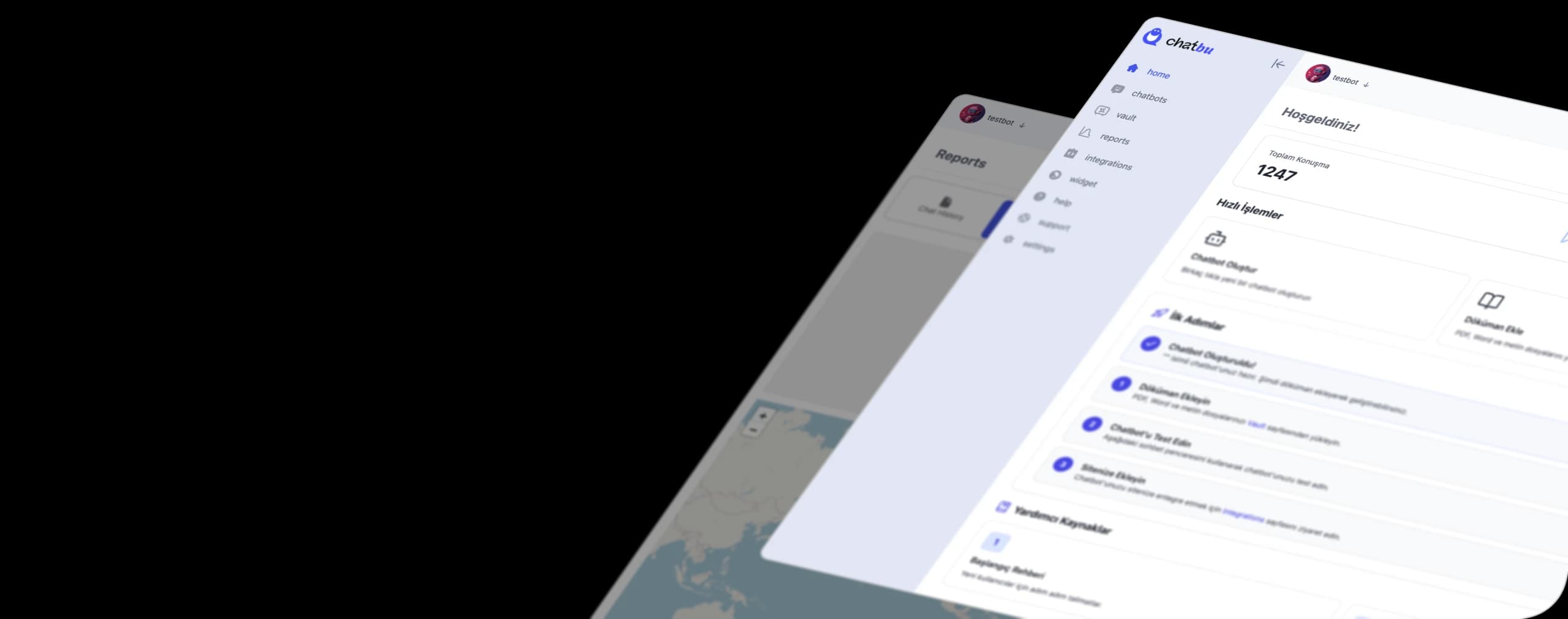
On the Chatbu side, you can see the chat history, the most frequently asked questions, and unmet needs in the reports. This is the easiest way to determine which question to teach the bot the following week.
Please pay attention to KVKK and Meta rules.
Customer messages contain personal data: name, phone number, sometimes address or health information. Therefore, when setting up WhatsApp customer service, consider GDPR and Meta rules from the outset. The following is a general framework and does not substitute for legal advice. Consult your lawyer in specific cases.
- Don't confuse explicit consent with informed consent. The Turkish Personal Data Protection Law (KVKK) defines explicit consent as consent given freely and based on information regarding a specific matter . Answering a customer's question and adding that person to your campaign list are different processes. The latter requires separate and clear consent.
- Provide a brief information link on the first contact. Include a link to your information text explaining the purpose for which the data is processed in your welcome message.
- Commercial electronic communication rules apply to campaign messages. Under Law No. 6563, prior consent from the recipient, a free opt-out option, and registration with the IYS (Electronic Communication System) are required for commercial messages.
- Opt-in is required for messages that initiate a business transaction in the API. After the 24-hour window following the customer's last message closes, you can only send Meta-approved template messages, and the customer must have approved those messages.
- Don't hide the fact that the bot is AI. The customer needs to know who they're talking to. On Chatbu, visitors clearly see that they are speaking with an AI assistant.
- Keep sensitive information out of the chat. In beauty salons, information such as skin allergies or pregnancy can be considered sensitive data. Instead of asking customers to write this information on WhatsApp, ask them in person.
- Ask your provider. Find out where your data is processed, whether it's used in AI training, and how deletion requests are handled. Chatbu runs its infrastructure in AWS's Frankfurt (EU) region, providing GDPR information and consent steps, data deletion requests, and data processing agreements.
The rule is simple on the Meta side as well: you can use a customer service bot, but you can't offer a general-purpose AI assistant that anyone can ask anything to as the primary product on the WhatsApp Business platform. A bot that helps your customers with your own products and services is outside this scope.
Common mistakes
The following five mistakes are the main reasons why WhatsApp support for SMEs is silently collapsing:
- Start with a personal number. Transferring that number as you grow older is both difficult and risky.
- An outdated automated message. Outdated time or price information is worse than no messages at all.
- Launching the bot without training it. If the knowledge base is empty, the bot will respond based on guesswork. Upload the documentation first, then launch it.
- Don't leave the customer an exit route. If the customer remains stuck in the loop, the bot's benefit turns into a disadvantage.
- Failure to measure. A business that doesn't know the initial response time learns that the line is slow only through complaints.
Result: Checklist for the first week
The message at 9:40 PM on Friday evening no longer has to be a message that keeps you waiting. Here's what to do in the first week:
- Day 1: Choose your work number, set up WhatsApp Business, fill out your profile and set your working hours.
- Day 2: Write your welcome and farewell messages, and add six tags.
- Day 3: Identify the ten most frequently asked questions and write down the answers.
- Day 4: Establish shift rules and assign shift supervisors.
- Day 5: Add the information link to the welcome message and start the first response time measurement.
- Days 6-7: Hand over the questions to a chatbot and read the initial results.
If you want to try it out before the sixth day, try Chatbu for free for 14 days : no credit card required, just upload your documents and connect your WhatsApp Business account. You can also check out the Chatbu features page to see what it can do .
Frequently Asked Questions
How can I contact a brand's WhatsApp number?
Get the number from the brand's own website's contact page or the WhatsApp button on their official social media profile. Save the number to your contacts and send a message via WhatsApp. Do not trust numbers from third-party lists in the search results, as they may not be verified.
Is it free to set up customer service via WhatsApp?
The WhatsApp Business app is free. The WhatsApp Business Platform (API) consists of Meta's message charges and your software provider's fees. For current pricing, please check Meta's pricing page and your provider's page.
Can multiple people use one WhatsApp Business line?
Yes, but in practice this is only possible with a limited number of connected devices in addition to the main phone. For assigning more delegates, roles, and chats, software that works with the WhatsApp Business Platform (API) is used.
How long should I respond to a customer on WhatsApp?
There is no single universal response time. A practical approach is to set a short target time during working hours (e.g., a few minutes), to clearly state the response time outside of working hours via automated message, and to measure the initial response time weekly.
Is using chatbots in WhatsApp customer service a violation of the Turkish Personal Data Protection Law (KVKK)?
No, but you must process it in accordance with the GDPR: you must inform the customer, obtain separate explicit consent for additional purposes such as campaigns, not conceal the fact that the bot is AI, and find out where your provider processes the data. Consult a lawyer for specific cases.