

Short answer: You cannot access ChatGPT via WhatsApp with a WhatsApp number in Turkey. OpenAI announced that Meta withdrew ChatGPT from WhatsApp on January 15, 2026, due to WhatsApp policy and terms changes . The service later returned only for numbers in the European Economic Area; Turkey is not on this list. The real reassuring news if you are a business owner is this: the door Meta closed is the door to "publicly available AI assistants," not AI bots serving your own customers.
This article first clarifies the current status of ChatGPT on WhatsApp, then explains alternatives for users and how businesses can set up a compliant WhatsApp AI bot.
Short answer: Is ChatGPT still available on WhatsApp?
No, not for Turkish numbers (+90). The current note in the OpenAI Help Center states that ChatGPT is only available again on WhatsApp in the European Economic Area (EEA) , and access is determined by your WhatsApp number's country code. As of October 2026, there is no mention of Turkey in OpenAI's announcements.
Let's summarize the situation in three lines:
- January 15, 2026: ChatGPT closed its official WhatsApp channel.
- July 13, 2026: OpenAI reopened its service for EU countries, as well as Iceland, Liechtenstein, and Norway. This follows the European Commission's provisional measure against Meta.
- June 5, 2026: The Turkish Competition Authority opened an investigation into Meta and issued a provisional injunction. According to the decision, Meta must ensure that it does not make it practically or economically difficult for competing AI chatbots to offer services on WhatsApp . Failure to comply will result in administrative fines.
The Competition Board's decision is encouraging, but it doesn't mean a ChatGPT line for today. This field is changing rapidly; we recommend checking OpenAI's help page above before considering ChatGPT on WhatsApp.
What was the ChatGPT WhatsApp number, and how did it work?
ChatGPT's WhatsApp number was 1-800-ChatGPT (+1-800-242-8478), announced by OpenAI in December 2024. Simply saving the number to your contacts and sending a message was enough; creating an account wasn't necessary. In its closing announcement, OpenAI stated that over 50 million people had used ChatGPT on WhatsApp .
This number wasn't actually an ordinary person's number; it was a verified business line operating through WhatsApp's enterprise infrastructure for businesses. Because Meta's rules specifically target this infrastructure, ChatGPT's line was also affected.
For those wondering how to use ChatGPT on WhatsApp with a European number, here are the steps:
- Add +1-800-242-8478 to your contacts and compare the numbers to OpenAI's help page.
- On WhatsApp, message this person as if you were having a normal chat.
- If you want a higher usage limit, connect your ChatGPT account. This step is optional.
Be wary of pages and messages sharing another "ChatGPT WhatsApp number." OpenAI only shares one verified number; if a different number appears to be ChatGPT, it's most likely a third-party service.
There's bad news for your old chats too: OpenAI has announced that WhatsApp chats will no longer be automatically transferred after January 15, 2026 , and that WhatsApp will no longer support chat export.
What has changed in Meta's WhatsApp Business policy?
Meta has added a separate clause for "AI providers" to the WhatsApp Business Platform terms and conditions . The clause prohibits companies developing large language models, generative AI platforms, or general-purpose AI assistants from using the WhatsApp Business infrastructure to offer this technology as a primary function (not a secondary or auxiliary function). Meta decides what constitutes primary.
The distinction here is important: The ban applies not to "every bot that uses AI," but to services where the product itself is AI . A bot that answers order questions in a store is not in the same category as a chat line where anyone can ask anything.
A second set of conditions relates to data: WhatsApp Business data is restricted from being used to develop or train AI models. There's a narrow exception, such as fine-tuning a model for your own exclusive use. Therefore, be sure to ask your bot provider how your data is being processed.
There is also a geographical exception to the terms: general-purpose assistants can be offered where Meta is legally obligated to allow it, namely on EEA and Brazilian coded numbers. ChatGPT's return to Europe also took place within this framework.
The difference between a general-purpose AI assistant and a business bot.

A general-purpose assistant is designed to talk about anything. A business bot, on the other hand, is designed to do one job: yours. The policy is built on this difference.
| General purpose assistant (e.g., ChatGPT) | Business bot
Purpose | To answer questions and create content on all topics | Customer support, sales, appointment scheduling, order tracking
Information source | General model information | Company documentation, FAQs, website
For whom ? | Everyone | The business's customers
Risk of error | May give irrelevant or fabricated answers | May be limited to responding only from their own knowledge
WhatsApp Status | Not available as a primary product (except EEA and Brazil) | Available as a customer service tool
The difference is significant from the customer's perspective as well. For someone asking "Where is my shipment?", ChatGPT's general information is useless; what that person needs is a bot that knows your return policy, operating hours, and price list. So the rule is less of a restriction and more of a description of a feature that a good business bot should already have.
Alternatives for users

It's easy to access ChatGPT from outside of WhatsApp. There are three ways:
- ChatGPT app and website: OpenAI states that chats can be maintained on ChatGPT Atlas for iOS, Android, web, and macOS , and that it offers features not found on WhatsApp, such as voice chat, deep search, and file uploading. This is the most reliable method for today.
- Meta AI: WhatsApp's built-in assistant. No separate number is needed; however, this is Meta's own assistant, not a replacement for ChatGPT. Which features appear in your account may vary depending on your region and app version.
- Other assistants' applications: Gemini, Copilot, and similar apps and websites exist. They perform the same function without a WhatsApp connection.
If your reason for searching for "ChatGPT on WhatsApp" is quick access, adding a shortcut to the ChatGPT app on your home screen is often sufficient.
What does this mean for businesses: Is AI still usable on WhatsApp?
Yes. Meta's terms don't prohibit the use of AI to assist your own customers. The ban applies to companies that distribute AI as a product. The wording of the rule supports this: there's no problem when the AI is not the product itself, but rather a helpful part of the business's customer support or sales process.
In practice, two questions will do the trick: What is my customer getting from this bot? If the answer is your product or service, then there's no problem. But is this bot a product that sells access to artificial intelligence? If the answer is yes, then the policy comes into play.
The table below summarizes situations most businesses will face. Please read this as a comment, not as legal advice, as Meta makes the final decision.
Situation | General assessment
The store's bot that answers product, shipping, and return questions | Allowed
A bot that shares clinic opening hours and schedules appointments | Allowed
Restaurant bot that answers menu and reservation questions | Allowed
Using a large AI lab model inside your own bot | Generally, that's fine; the rule is about what you offer, not which model you use.
A "AI assistant" number that everyone can ask about anything | Forbidden (except EEA and Brazilian numbers)
Selling "AI assistant on WhatsApp" via subscription | Prohibited (same exceptions apply)
Using WhatsApp Business data to train other models | Prohibited; fine-tuning is possible for your exclusive use only.
Automation itself is also welcome. WhatsApp's business messaging policy requires that when using bots, there must be a clear way for the customer to reach a human. Therefore, handing over to a human should be part of your design from the start, not something to look forward to.
If you're not yet familiar with the difference between the free WhatsApp Business app and its API, first check out our guide on what WhatsApp Business is and whether it's paid .
How to set up a compliant WhatsApp AI bot?

A properly functioning WhatsApp AI chatbot relies on three criteria: it must have a task specific to your business, it must provide answers from your own knowledge base, and it must hand the conversation over to a human when necessary. These three are also the foundation of a good customer experience.
1. Define a single, clear task.
Instead of specifying "answer questions," define a more concrete task, such as "respond to order status and return conditions" or "collect appointment requests." The more limited the task, the more trustworthy the bot will be, and the more comfortable you will be in terms of policy.
2. Feed the bot with your own knowledge base.
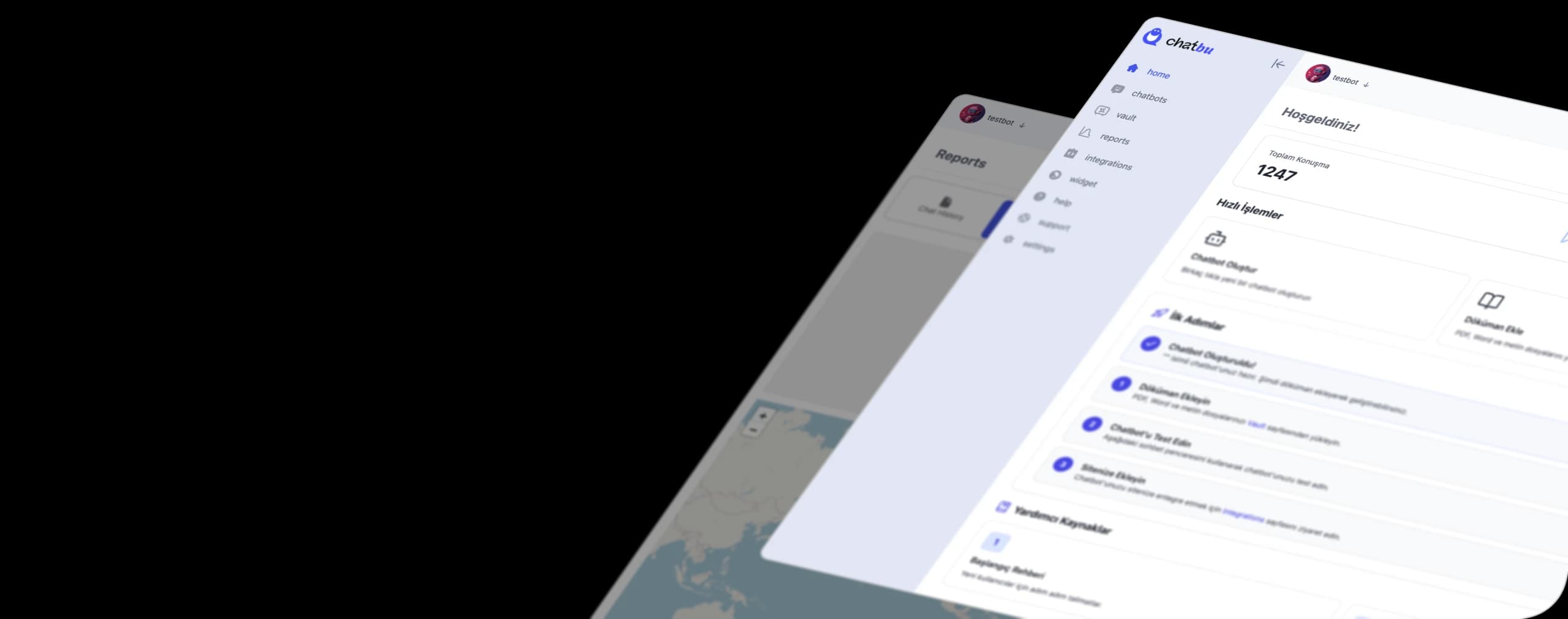
The bot should only respond to information from your documents, FAQs, and website; it should state its lack of knowledge rather than guessing. With Chatbu, you can train your bot using PDF, Word, and plain text files, as well as your website address. Because the bot understands and responds in the language users type, it can also serve foreign customers.
3. Reimagine the era for humans from the beginning.
The bot should forward any complaints, payment issues, and exceptions to your team. Clearly state in the handover message who can be contacted and at what time. If a customer cannot reach a human after leaving the bot, you will lose brand recognition even if there is no rule violation.
4. Use the official channel and verify your data.
Choose a solution that works exclusively through the WhatsApp Business Platform. Ask the provider in writing about how long your conversation data is stored and whether it's used for model training; this is precisely what the data point we discussed above refers to.
5. Start small, read every week.
Initially, launch with only the five most frequently asked questions. List the unanswered questions and add them to the knowledge base. By continuing this cycle, the bot will gradually become better at answering your business's real questions.
Three common mistakes
- Designing the bot as an "all-knowing assistant" increases both the risk of errors and policy hazards, especially when it answers off-topic questions. Ensure it provides polite guidance on irrelevant questions.
- The knowledge base is loaded once and then forgotten. When prices, promotions, or operating hours change, the bot continues to provide the old information.
- Concealing the fact that it's a bot. Even if it's not a legal requirement, mentioning in the initial message that they're speaking with an AI assistant builds trust with the customer.
If you want to see the basic logic of bots , our AI-powered chatbot guide explains the difference between rule-based bots and AI bots. You can also check out Chatbu's WhatsApp integration and other features.
ChatGPT's departure from WhatsApp doesn't mean AI has been removed from WhatsApp. What was removed was a publicly accessible assistant line. A bot that responds to your customers with your knowledge and on your behalf is exactly what Meta allows. Try a customized, compliant WhatsApp AI bot for your business with Chatbu for 14 days free .
Frequently Asked Questions
What is ChatGPT's WhatsApp number?
OpenAI's verified WhatsApp number is 1-800-ChatGPT, which is +1-800-242-8478. OpenAI does not share any other WhatsApp numbers; if a different number is acting as ChatGPT, compare it to the number in the OpenAI Help Center.
Does ChatGPT work with WhatsApp in Türkiye?
No. OpenAI shut down the service on January 15, 2026, and reopened it on July 13, 2026, only for numbers within the European Economic Area. There is no announcement of a return for Turkey. The Competition Board opened an investigation into Meta and issued a provisional injunction; however, the current status should be checked through the OpenAI Help Center.
Why was ChatGPT removed from WhatsApp?
OpenAI explained that the decision stemmed from a change in WhatsApp's policies and terms. Meta's WhatsApp Business terms restrict general-purpose AI assistants from offering this infrastructure as a primary service.
Is it illegal to use AI bots on WhatsApp?
No. The restriction applies to general-purpose assistants that offer AI as a product. Bots that serve your own business, such as customer support, sales, appointment or order tracking, can be used. Since the final decision rests with Meta, it's important to check the current terms and conditions and leave room for human intervention.
Could I use an AI model similar to the one behind ChatGPT in my own WhatsApp bot?
Generally, yes. The rule isn't about which model you use, but what you offer via WhatsApp. If your bot is responding to your business's customers about your service, then the model choice shouldn't be a problem. Still, check your provider's data usage terms.
What happened to my old ChatGPT chats on WhatsApp?
OpenAI had stated that WhatsApp chats would no longer be automatically transferred after January 15, 2026, and that WhatsApp would no longer support chat export. For those who had previously linked their accounts, their history was visible in their ChatGPT account.