

What is WhatsApp Business?
WhatsApp Business is Meta's WhatsApp solution for businesses. You communicate with your customers through the same WhatsApp platform, but with business-specific tools: a business profile, pre-configured replies, welcome messages, and away messages.
There are actually two products, and the answer to the question "Is WhatsApp Business paid?" depends on which one you're referring to:
- WhatsApp Business app: A mobile application designed for small businesses that you install on your phone.
- WhatsApp Business Platform (API): An infrastructure that does not have its own interface, is used through software or a business partner, and is designed for larger message volumes and automation.
Is WhatsApp Business a paid service?
Short answer: the app is free, the API is charged per message.
According to the guides, the WhatsApp Business app is a free mobile application with limited features, according to the API. The API, however, offers advanced features such as automation, message templates, and integration with other systems.
How does pricing work in the API?
According to Meta's pricing page, fees have been charged per message since July 1, 2025. The fee varies depending on the message category and the recipient's country code. Fees are only charged for forwarded messages; messages received from clients are not charged.
Message category | Why | Salary situation |
|---|---|---|
Marketing | Template messages for campaigns, announcements, etc. | Paid |
Service | Your responses within the 24-hour window that opens when the customer writes to you. | Up to 1,000 messages per number per month are free, after that it becomes chargeable. |
Utility | Template messages such as order and appointment reminders. | From October 1, 2026, it will also be a paid service within the customer window. |
Identity verification | One-time code messages | Paid |
Additionally, if a customer contacts you through a "Click to WhatsApp" ad, a free login window opens that lasts up to 7 days. During this time, template and service messages are free.
These rules were updated with Meta's changes on October 1, 2026. Some messages that were previously free are now paid. For current prices based on your country, please check the rate card on Meta's pricing page. We are not giving specific amounts here as prices vary by country and time.
Besides the Meta fee, what else do you pay?
The API doesn't have its own interface. According to the guidelines, you need a CRM or business partner (BSP) provider to use it. Providers have different pricing: generally a monthly subscription plus a message fee, some also have a setup fee. So the total cost is the sum of Meta's message fee and the provider's fee.
The difference between WhatsApp Business and regular WhatsApp.
Regular WhatsApp is for person-to-person messaging. WhatsApp Business, on the other hand, offers tools specifically designed for your business:
- Business profile: Information such as address, opening hours, and description will appear on your profile.
- Automatic messages: Welcome message, away message, and quick replies. For step-by-step setup, see our WhatsApp Business automatic message guide .
- Catalog and tags: You can list your products or services and organize chats by tagging them.
The standard WhatsApp app does not have automated messages. These features require the WhatsApp Business app or API.
How to use WhatsApp Business?
- Download the app. It's available in the app stores for Android and iPhone under the name "WhatsApp Business".
- Verify your phone number. Choose the number you will use for your business.
- Complete your business profile. Enter your business name, category, description, address, and business hours. Business hours are also necessary for the after-hours automated message to work.
- Set up automated messages. Write a welcome and away message, and save the five most frequently asked questions as quick replies.
- Add your catalog. List your products or services in the catalog.
- Tag your conversations. Make it easier to track them using tags like "new customer," "payment pending," etc.
Application or API?
WhatsApp Business app | WhatsApp Business API | |
|---|---|---|
Cost | Free | Meta message fee + provider fee |
Setup | You download it to your phone and use it. | Through a software or business partner |
Automation | Welcome, distant, quick response. | Templates, conditional responses, chatbots |
Who is it suitable for? | Small businesses, low message volume. | High volume, team, multiple systems |
If you're managing it alone and receive a few dozen messages a day, the app is sufficient. However, as the number of messages increases, multiple people manage the same account, or other channels like Instagram and a website are added, you'll need software that works with an API.
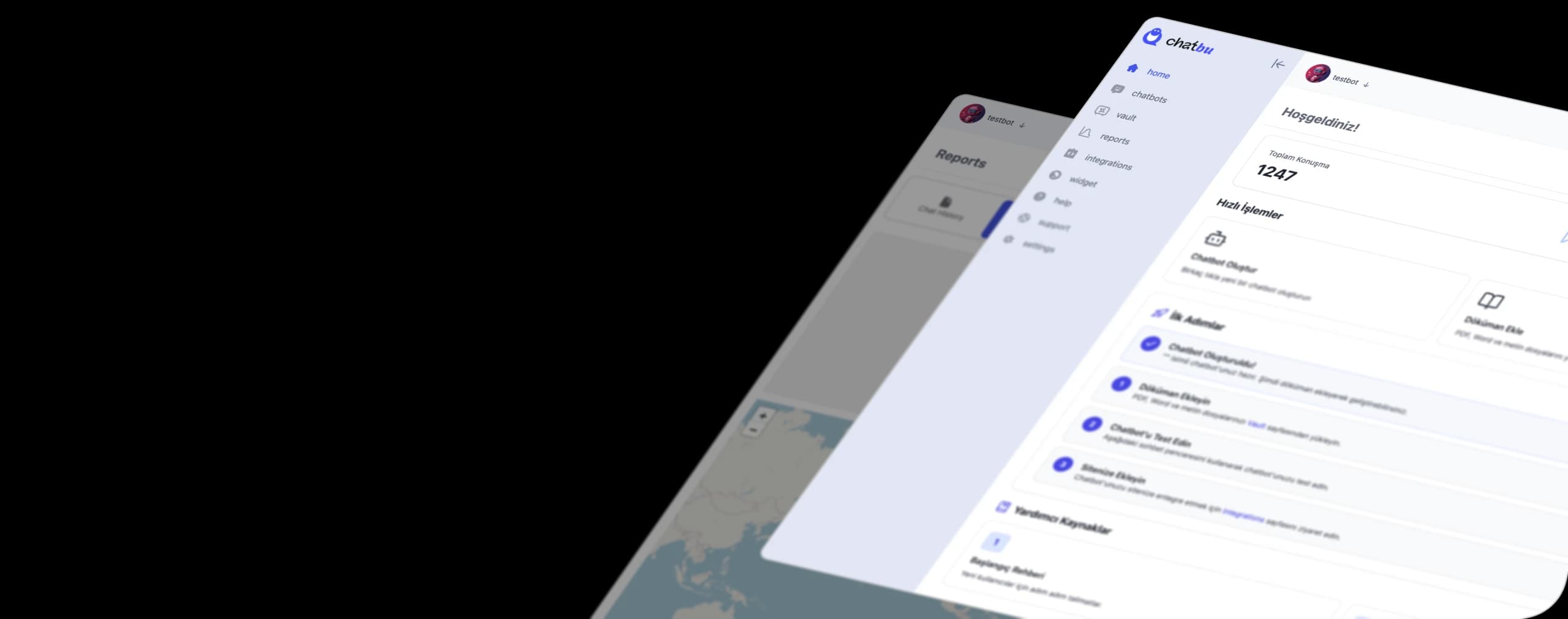
Manage your WhatsApp Business account with Chatbu.
Chatbu connects your WhatsApp Business account by authorizing it through your Facebook login: in the window that opens, you select your own business account. Because messages are answered on Chatbu's cloud infrastructure, your customers will receive responses even if your phone battery dies or your internet connection is lost.
- It is trained using your own information. Upload your menu PDF, price list, or website address; the bot will generate responses from this content.
- They respond even outside of working hours. They reply to messages received at night without delay, until morning.
- He hands it over to the team if necessary. The entire conversation, including all its history, is passed on to your team.
- It brings all channels together in one place. It responds to Instagram and Facebook page posts and comments, as well as Google business reviews.