

If you're searching for "bot" on Instagram, you're most likely looking for one of two things: rapid follower growth or DMs that respond even while you sleep. Both are called "Instagram bots," but one puts your account at risk, while the other brings in customers.
Short answer: An Instagram bot is software that acts as a human on Instagram. Bots that generate followers, likes, and comments violate Instagram's rules and put your account at risk. DM chatbots that operate through Meta's official API, however, are a permitted form of automation. In this article, you'll find the difference, the risks, and the criteria to consider when choosing a secure tool.
What is an Instagram bot? 3 different types of bots.
An Instagram bot is automated software that performs tasks on Instagram without requiring manual intervention from you. This task could be anything from following an account to answering a customer's question. There are three different things under the same word:
Bot type | What does it do? | Meta status | Results for you
1. Follower and engagement bots | They follow, unfollow, like, comment, or sell ready-made followers on your behalf | Illegal | Risk of restrictions and account closure, empty followers
2. Spam and fake bot accounts | Send comment, DM, and follow spam using fake profiles | Violates the rules | Targets you; jeopardizes your reputation and security.
3. DM and comment automation working with official API | Responds to customers who write to you, replies to comments with private messages | Permission-based with Meta's infrastructure | Faster response, more sales opportunities
The first two types come with the promise of "account growth." The third, however, focuses not on growth, but on converting incoming interest into customers . This distinction forms the backbone of the rest of this article.

How do follower bots work and why are they risky?
Follower bots generally work in two ways: either they log into your account and perform bulk follows, likes, and comments on your behalf, or they send followers from a pool of fake accounts. In both cases, the number increases, but no real people arrive. This is where the risks arise.
1. You're directly violating the rules. Instagram's Terms of Service prohibit the automated creation of accounts or the collection of information without Meta's explicit permission. The same terms cover requesting or collecting login credentials from other users. Many follower bots do exactly that – ask for your username and password.
2. Purchased interactions are considered spam. Meta's Spam policy prohibits the sale, purchase, or exchange of interactions such as likes, follows, and views. Very frequent, manual, or automated transactions are also covered by the same policy. According to the policy, accounts with low-frequency transactions may also be restricted if other spam signals are detected.
3. The sanctions may not end with a minor warning. Instagram explicitly states that it can disable all accounts that violate its Community Guidelines . There's a range from restrictions to account closure. Meta doesn't publish a precise percentage for which behavior results in which sanction. So don't rely on numbers like "this many users are being penalized."
4. You give your password to a third party. A tool that requests your login information means you are completely handing over control of your account to it. If the tool is ever shut down or misused, you cannot determine what happens to your account.
5. The numbers grow, but sales don't. Fake followers don't comment, message, or buy. As your follower count increases, your engagement per post naturally decreases. There's no official data showing a drop in reach, but a decline in your engagement rate will also set you back in collaboration talks with brands.
For a small business looking to grow quickly, this equation is flawed: you gain a few thousand extra followers, but in return you risk the security of your account and the integrity of your genuine customer data.
How to identify bot accounts on Instagram?
Bot accounts can be identified not by looking at a single signal, but by a combination of several signals. If you see three or four of the following signals together, the account is most likely not real:
- The profile is empty or meaningless: No photos or stock images, no bio, username is a random jumble of letters and numbers.
- No posts or irrelevant posts: Several inconsistent posts, posts in different languages, or completely plagiarized images.
- His follower balance is strange: He follows thousands of accounts, but has almost no followers himself.
- The comments are generic: irrelevant, repetitive comments like "Great post," "Super," and lots of emojis.
- Sudden follower surge: An unusual increase in follower count in a single day, without any content or advertising prompted.
- Followers who don't match the target audience: A local business's followers often come from completely unrelated regions.
- Suspicious DMs: Messages offering "easy money," containing links, or requesting login information.
If you see such an account, do not click the link. You can remove it from your follower list, block it, or report it using Instagram's reporting tool. Never respond to messages asking for your password.
Meta's rules: which automation is allowed, and which is prohibited?
Automation itself is not prohibited. What is prohibited is performing automation in a way that Meta does not allow . We can summarize the line between the two as follows:
Forbidden or risky | Permitted
Tools that ask for your password and simulate logging into your account | Integrations that connect with Meta's authorization window
Buy followers, likes, and comments | Automated replies to messages from real customers
Bulk and automated following/unfollowing | Messaging and comment management features offered by the official API.
Sending mass DMs to people you haven't interacted with before | Responding to people who messaged or commented on your message.
Meta's developer documentation clearly defines this boundary. The Instagram platform is only open to professional accounts, such as businesses and content creators. With these APIs, you can manage conversations, moderate comments, and send private replies to comments. Every application must go through Meta's access levels and review processes. An application that serves other businesses' accounts requires "Advanced Access," which requires application review and business verification.
The Messaging API's guidelines also provide a good benchmark for a bot:
- The conversation begins when the user sends you a message. The app cannot send a message to a user without them typing first.
- The standard messaging window usually lasts 24 hours. For the first message from an advertisement, this period can extend to a maximum of 7 days.
- Where required by law, automated chat experiences must inform the other party that they are speaking to a bot. Meta recommends this as good practice, even if there is no legal requirement.
- There needs to be a way to delegate automation to a human agent.
So, there's no sending thousands of "cold DMs" through formal channels. This might seem like a restriction, but it's actually a filter: you're only reaching out to people who are already interested in you.
A secure alternative: a DM chatbot that works with the official API.
An Instagram chatbot using the official API connects to your account via Meta's authorization flow, doesn't see your password, and only performs actions you've authorized. The easiest way to recognize this is by the connection screen.
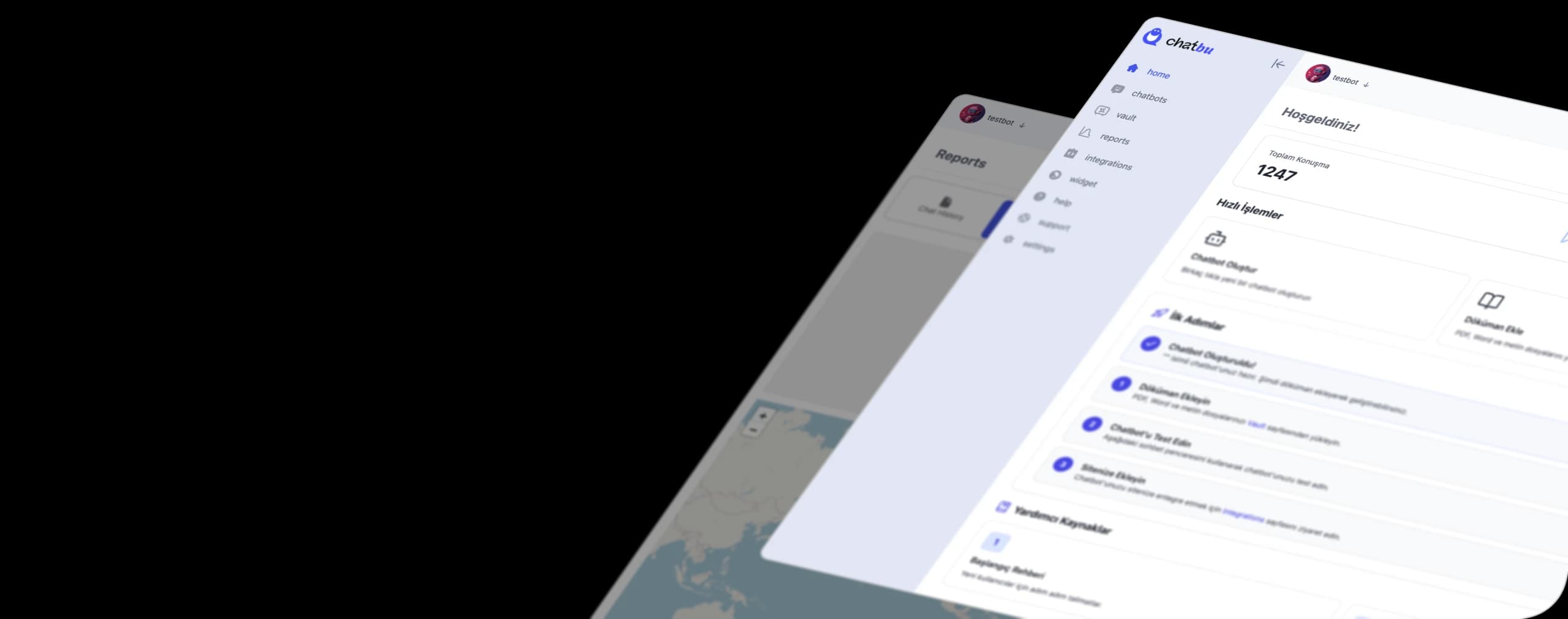
The process at Chatbu works like this: You connect your Instagram account by authorizing it through your Facebook login . In the Meta window that opens, you select your business account and approve the permissions. Chatbu never asks for your Instagram password at any stage.
Once connected, the chatbot is trained with your own information. You upload a PDF, Word file, plain text, or your website address. The bot then responds using your price list, menu, or FAQ page. If you're wondering how a chatbot works, our article "What is a Chatbot?" explains the basic principle.

What can be automated with the Instagram DM bot?
A secure DM bot doesn't gain you followers. Instead, it ensures you don't lose the interest you're already receiving. In practice, this becomes automated:
- Frequently Asked Questions: Instant answers to recurring questions such as price, opening hours, address, shipping, and returns.
- Switching from comment to DM: Sending information or a link via private message to the person who commented on your post.
- Night and weekend response: The first one to respond often gets the job. The bot keeps the conversation alive even outside of working hours.
- Appointments and reservations: Chatbu allows you to open bookings during chats thanks to its Google Calendar integration.
- Lead generation: Collects information such as name, phone number, and needs through conversation. You can refer to our article on what a lead is for the logic behind this process.
- Transfer to the team: When a complaint or special request comes in, it is transferred to your team along with the conversation history.
You might also consider starting with Instagram's own tools. Instant Reply, Message Away, and FAQ are free options. We've explained what each tool does step-by-step in our Instagram automated messaging setup guide. It makes sense to switch to a separate chatbot when needs arise such as automatic replies to comments, keyword-based replies, and AI-powered question-answering.
Healthy growth is a topic for another article. In short: Regular and useful content, a clear profile, and quick responses to incoming messages are the three basic elements that work even without bots. We'll cover that in a separate guide later.
Checklist for choosing the right tool
Before authorizing an Instagram bot or DM automation tool, ask yourself these questions. If you answer "no" to even one of them, you should disqualify the tool:
- Is the connection being made through Meta's official login window? The Instagram or Facebook login should take place on Meta's own screen.
- Does it ask for your password? If so, don't use it. Meta's Terms of Use explicitly prohibit the collection of login information.
- Is this a Meta-verified integration? It needs to clearly state that the tool runs through its official API.
- Does it sell followers, likes, or comments? If so, this isn't an automation tool, it's a spam service.
- Does it work with professional accounts? The official API only supports business and content creator accounts.
- Is there a way to delegate the task to a human? You should be able to relay a complex request to your team.
- Is it being trained with your data? It should respond based on your specific price list and content, rather than giving generic answers.
- Is the pricing transparent? You should be able to clearly see the plans. You can review Chatbu's plans on the pricing page .
Not a follower, but a customer: the next step.
On Instagram, the word "bot" has two sides. One sells you numbers, but puts your account, password, and reputation at risk. The other responds quickly and accurately to people who are already messaging you, staying within the limits allowed by Meta.
Try Chatbu for free , a secure DM automation system that brings you customers, not followers . You connect your account by authorizing it through your Facebook login; you don't need to enter a password. No credit card is required for Chatbu's 14-day free trial.
Frequently Asked Questions
Is using bots on Instagram illegal?
Bot usage isn't prohibited in itself; the method is the determining factor. Instagram's Terms of Service prohibit automated access and information gathering without Meta's permission; purchased engagement is also prohibited under Meta's Spam policy. However, automated DM and comment services operating through Meta's official API are permitted.
Will using an Instagram follower bot get my account shut down?
Meta states that it may restrict or completely disable accounts that violate its rules. No precise percentage is given for which behavior will result in which penalty, so the risk cannot be calculated in advance. Accounts that share passwords also carry an additional security risk.
Does a secure Instagram DM bot require a password?
No. Tools that work with the official API connect through Meta's authorization window. Chatbu also connects the Instagram account by authorizing it via Facebook login and doesn't ask for a password.
Can the Instagram DM bot send mass messages to the specific people I want?
No. In Meta's messaging API, the conversation begins when a user messages the business, and the response time is typically limited to a 24-hour window in most cases. The bot responds to people who message or comment on your posts.
Can Instagram chatbots be used on a personal account?
The official Instagram API only supports professional accounts, meaning business and content creator accounts. If you have a personal account, you'll need to upgrade to a professional account first.
How do I remove bot accounts from my followers?
You can remove suspicious profiles from your follower list, block them, or report them using Instagram's reporting tool. Look for warning signs like empty profiles, random usernames, accounts without posts, and generic comments.