

Why do restaurants require quick responses to WhatsApp messages?
A customer looking for a table for Friday night usually writes to multiple restaurants. The first one to respond usually gets the reservation. For a team that can't answer the phone in the middle of service, this is a difficult balance: the kitchen is busy, the dining area is full, and messages are piling up.
WhatsApp Business's welcome, remote, and quick reply tools ease this burden. In this article, you'll find ready-made messages for restaurants and cafes that you can copy and use. For step-by-step instructions on how to set up the tools, you can refer to our WhatsApp Business automated message guide .
The most frequently asked questions in restaurants
If you take notes on the messages for a week, you'll likely see these themes repeat:
- Reservation: date, time, number of people
- Menu and prices
- Opening hours and address
- Takeaway and delivery
- Requests for special occasions (birthdays, group reservations)
- Special requests regarding food
You may have a ready-made answer for most of these questions. Adapt the following examples to your own space. Change the fields in square brackets.
Examples of welcome messages
The welcome message goes to the person writing to you for the first time. Its purpose is to tell the customer what to write.
Restaurant: "Hello, thank you for writing to [Restaurant name]. Please write the date, time and number of people for your reservation, and we will get back to you as soon as possible. Our menu: [link]"
Cafe: "Hello, welcome to [Cafe name]. Our opening hours are [08.00-22.00]. You can leave a message for reservations or group orders."
Dinner-focused venue: "Hello, thank you for your interest in [Venue Name]. For dinner reservations, please write the date, time, number of people, and any special requests you may have. We will inform you once your reservation is confirmed."
Examples of messages from a distance
The message will be sent remotely outside of working hours or during peak hours.
Your closing hours: "We are currently closed. Our operating hours are [10:00-23:00]. We have received your message and will get back to you regarding your reservation request upon opening."
Weekly holiday: "We are closed today because it is [day]. We will be at your service from [time] on [day]. Thank you for leaving your message."
Holidays and special occasions: "We are closed between [Date] and [Date]. We reopen on [Date]. You can write your reservation requests below this message."
Quick response shortcuts
Quick Replies links your frequently typed message to a shortcut. In the chat, type "/" and select the shortcut.
Shortcut | Message |
|---|---|
/menu | "Our current menu: [link]. Prices are valid as of [date]." |
/address | "Our address: [address]. Map: [link]" |
/hour | "Our working hours: weekdays [hours], weekends [hours]." |
/reservation | "Please write the date, time, number of people, and your name for the reservation." |
/package | "Enter your order and delivery address for takeaway orders. Estimated preparation time is [time]." |
/birthday | "Write down your special request and the number of guests for the birthday party, and we'll prepare the venue." |
How to write a reservation message?
The biggest time-wasting factor in booking messages is incomplete information. Request all necessary information from the customer in a single message:
"Please provide the following information for your reservation: 1) Date 2) Time 3) Number of people 4) Full name 5) Phone number. We will confirm your table after receiving this information."
Keep the confirmation message short: "Your reservation has been made for [date], [time], [number of people]. To make changes or cancel, simply reply to this message."
Message requesting comments
Asking for Google reviews from satisfied customers helps new customers find you. Only send these to customers you've corresponded with or booked with; avoid mass and irrelevant messages.
"Thank you for choosing us. We would love it if you could take two minutes to share your experience on Google: [comment link]"
Where are automated messages insufficient?
Pre-written messages speed up the initial response, but they don't govern the daily workflow of a restaurant:
- Only one welcome and one departure message can work at a time.
- Every customer receives the same message. You write the answer to the question, "Do you have a table for 4 on Saturday?"
- Collecting, entering, and confirming reservation information is done manually.
- Instagram, Facebook, and Google comments are collected in separate places.
It's difficult to handle these tasks manually when service is busy. That's where an AI chatbot comes in, understanding and answering questions. For Instagram, you can check out our Instagram automated messaging guide .
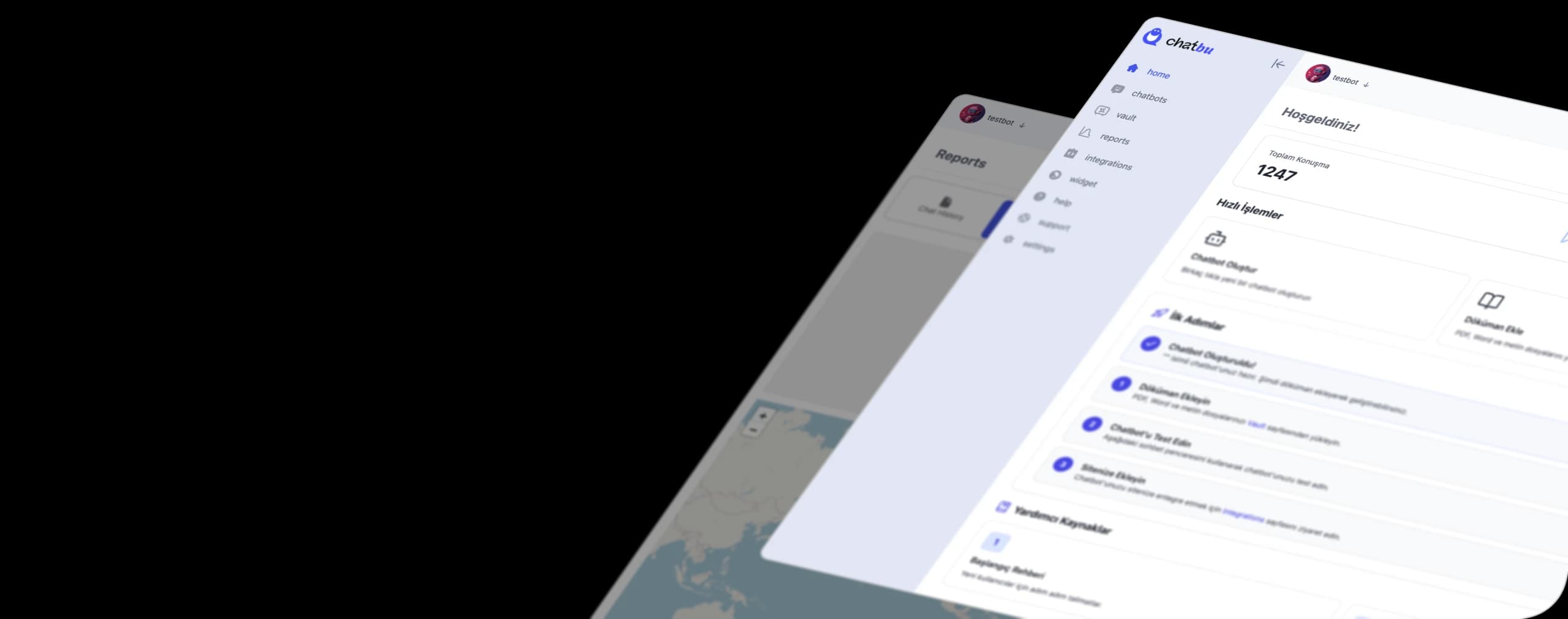
Manage your restaurant's messages with Chatbu.
Chatbu connects your WhatsApp Business account by authorizing it through your Facebook login: in the window that opens, you select your own business account. Because messages are answered on Chatbu's cloud infrastructure, your customers will receive responses even if your phone's battery dies.
- It is trained with your menu. Upload your menu PDF, price list, or website address; the bot will answer menu, address, and hours questions from this content.
- It gathers reservation information. It responds to "Do you have availability tomorrow?" messages received at night without delay, collecting details such as the date and number of people.
- It works in the calendar. It integrates with Google Calendar and can open reservations or meeting registrations during a chat.
- Google responds to reviews. Google responds to business reviews, Instagram and Facebook posts and comments from the same place.
- It hands the case over to the team when necessary. When a complaint comes in, the entire conversation, including all its history, is passed on to your team.