

What is a chatbot?
A chatbot is software that communicates with users via text. The customer types a question, the software understands the question, and provides the answer. It can operate on a website, WhatsApp, Instagram, or another messaging channel.
The purpose of a chatbot for businesses is simple: to provide instant answers to frequently asked questions, gather information, and hand the conversation over to a human when necessary. Responding to a "Do you have availability tomorrow?" message received at 11:40 PM without waiting until morning is a good example of this.
How does a chatbot work?
Most chatbots follow this sequence:
- He receives the message. The customer writes.
- It understands the intent. The software analyzes the message to determine what the customer wants and which keywords are used.
- It selects or generates a response. It sends a predefined response or creates a new response from information sources.
- He/she delegates the task if necessary. If he/she cannot answer a question, he/she passes the conversation on to the team.
The third step is what makes the difference here: is the answer pre-written or generated?
Types of Chatbots
Chatbots are generally categorized into two groups.
Type | How it works | Its strength | The border |
|---|---|---|---|
Rule-based (script-based) | It operates according to the scenario and rules defined by the developer. | Simple setup, answers are known in advance. | He struggles with unexpected questions. |
AI-powered | It generates responses using natural language processing and large language models. | They understand the context and can handle unexpected questions. | It requires training and fine-tuning. |
In practice, the two approaches are combined. In this hybrid structure, the defined rules are applied first, and questions that don't match go to the artificial intelligence section.
A rule-based bot responds to menu options or keywords: "Type 1, prices. Type 2, address." An AI-powered bot, on the other hand, can understand and respond to a free-form sentence like "Do you have a table available for a family with children this weekend?"
Where do businesses use chatbots?
- Frequently asked questions: Recurring questions such as price, address, opening hours, shipping, and returns.
- Appointments and reservations: Collecting and adding information such as date, time, and number of people to the calendar.
- Off-hours support: Providing the first response to messages when the team is away.
- Information gathering: Obtaining information such as the customer's name, phone number, and request during the conversation.
- Order and shipment tracking: Checking the status of orders in e-commerce.
Each sector has different questions, but the structure is the same: frequently asked questions go to the bot, special cases go to the team.
Advantages and limitations of chatbots
Advantages:
- It responds instantly; the customer doesn't have to wait.
- It reduces the burden of answering the same questions repeatedly.
- It responds to messages from multiple channels with the same information.
- It keeps a record of the conversations.
Boundaries:
- It might give an incorrect answer on a topic not covered in the training data. That's why keeping the information source up-to-date is important.
- They need human involvement in sensitive or complex matters (complaints, payment issues).
- A poorly designed bot can frustrate a customer. Customers who can't find an answer need to be able to reach a human.
The difference between a chatbot and live support.
In live support, a human provides the answer. In a chatbot, software provides the answer. The two are not alternatives, but complementary: the bot handles the initial response and frequently asked questions, while complex topics are referred to the team. We've explained how to set it up for your website in our website chatbot guide .
What should you look for when choosing the right chatbot?
- Which channels does it work on? If your customers are writing to you via WhatsApp, Instagram, or their website, the bot should support those channels.
- How is it trained? It should be able to be trained using your own content, such as your menu PDF, price list, or website.
- Is there a handover to the human element? They should be able to relay the conversation they couldn't answer, along with their entire history, to the team.
- Integrations: Working with the calendar for appointments and reservations makes your job easier.
- Installation difficulty: It should be installable without requiring technical knowledge.
- Message limits and pricing: Clarify upfront how many messages and channels you will pay.
If your message volume is low and you only use WhatsApp, you can first try the app's automated messaging tools . A chatbot will kick in when messages increase or arrive from multiple channels.
Build an AI chatbot with Chatbu.
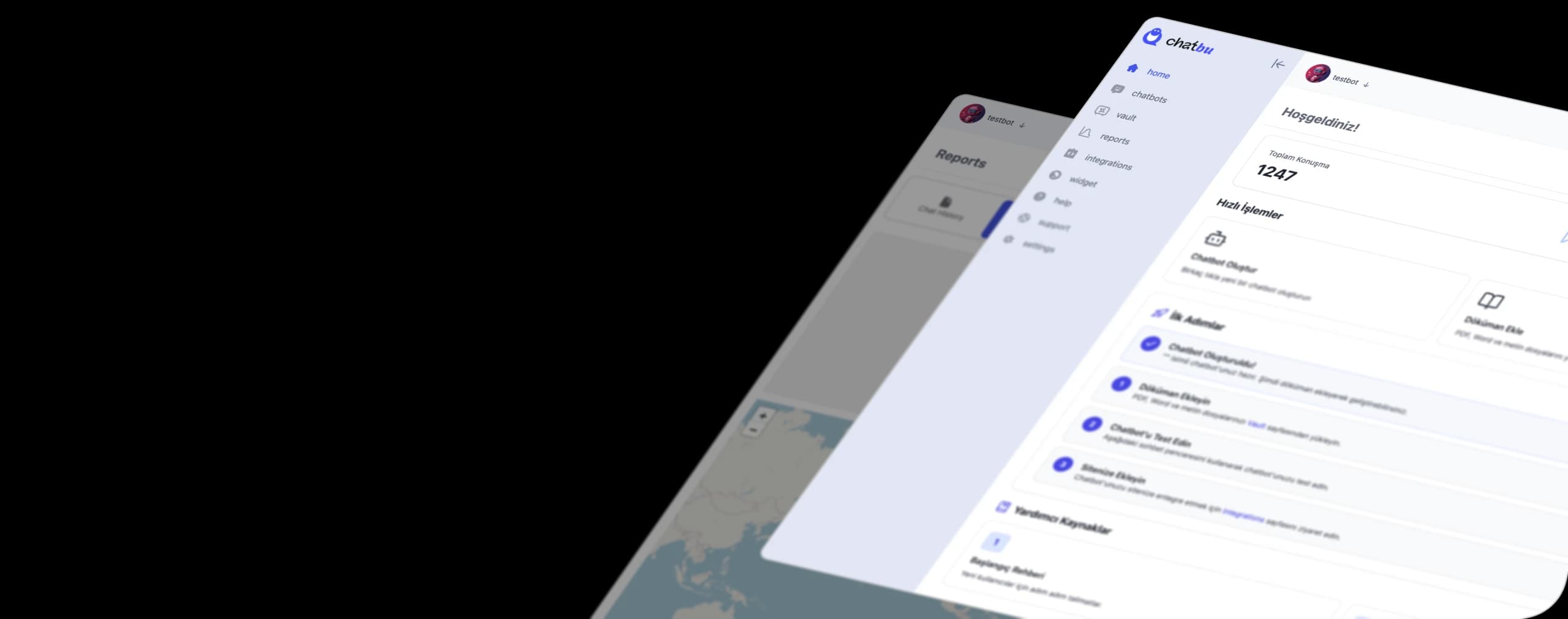
Chatbu is a chatbot platform developed for businesses to respond to customer messages using artificial intelligence. You connect your WhatsApp Business, Instagram, Facebook pages, and Google business accounts by authorizing them with your Facebook login: in the window that opens, you select your own business accounts.
- It is trained using your own information. Upload your menu PDF, price list, or website address; the bot will generate responses from this content.
- They respond even outside of working hours. Because messages are answered using Chatbu's cloud infrastructure, customers receive a response even if their phone is switched off.
- It adds the appointment to the calendar. It integrates with Google Calendar and can open a booking during the chat.
- It delegates the responsibility to the team when needed. You define rules based on keywords, emotions, or intentions; the conversation, with all its history, is then passed on to your team.
- It brings all channels together in one place. You manage messages and comments in a single inbox.