

Visitors often leave your site when they can't find the answer to a question. This loss often goes unnoticed, but its impact on sales and customer satisfaction is significant. A chatbot for your website is one of the most practical solutions to fill this gap 24/7. In this guide, you'll find out what chatbots do, what benefits they offer, and what to look for when choosing the right solution.
What is a chatbot?
A chatbot is software embedded in your website that communicates with visitors in writing. Rule-based bots follow predefined flows. AI-powered bots, on the other hand, are trained on your content to understand and answer questions in natural language. This allows visitors to get answers without waiting for a support representative.
Benefits of Adding a Chatbot to Your Website
1. 24/7 accessibility. Questions received outside of business hours will also be answered. This is especially important for sites that receive visitors from different time zones.
2. Faster response time. Frequently asked questions (shipping, returns, price, appointments) are answered within seconds. Speed directly impacts customer satisfaction.
3. Reduced workload for the support team. By delegating repetitive questions to the bot, the team can focus on more complex and valuable issues.
4. Lead generation. The bot can request information such as name and email during the chat, thus forwarding qualified leads to the sales team.
5. Measurable data. Seeing what visitors ask about most often reveals missing content and areas for improvement on your site.
Which sectors benefit from chatbots?
- E-commerce: Order tracking, product recommendations, return processes
- Services and agencies: Request a quote and schedule an appointment.
- Education: Registration, program and fee questions.
- SaaS and technology: Setup and initial usage support.
- Real estate and tourism: Portfolio and booking information.
What to Look for When Choosing the Right Chatbot?
Before making a decision, check the following points:
- Ease of installation: It should be able to be added to the site in minutes without requiring any coding knowledge.
- Training with custom data: The bot should be able to learn from your own documentation and pages.
- Turkish language support: It should be able to provide natural and error-free Turkish responses.
- Design customization: The colors, logo, and welcome message should match your brand.
- Analytics and conversational history: You need to be able to measure performance.
- Human intervention: When the bot becomes inadequate, the conversation should be able to be transferred to a representative.
- Data security: Ensure that personal data is processed in accordance with the Turkish Personal Data Protection Law (KVKK).
Common Mistakes When Setting Up a Chatbot
- Putting the bot on air without training it and causing it to give incorrect answers.
- Not offering the visitor the option to speak with a human being.
- Making the welcome message too long or aggressive
- Not reviewing chat logs after the broadcast.
Shortcut for Getting Started
- List the 10–20 most frequently asked questions by visitors.
- Prepare clear and up-to-date answers to these questions.
- Train the bot with this content and test it on a few pages first.
- Review the chat logs and fill in any missing answers during the first week.
- Expand the reach of your publication by measuring results (response time, number of leads, satisfaction).
Frequently Asked Questions
Does a chatbot require programming knowledge?
Most modern platforms can be installed with a short embed code, without writing any code.
Can a chatbot replace a live support team?
No. It takes on repetitive tasks, leaving complex issues to a human team.
Do bots harm SEO?
No, if set up correctly. Choose a lightweight widget with delayed loading to avoid impacting page speed.
Conclusion
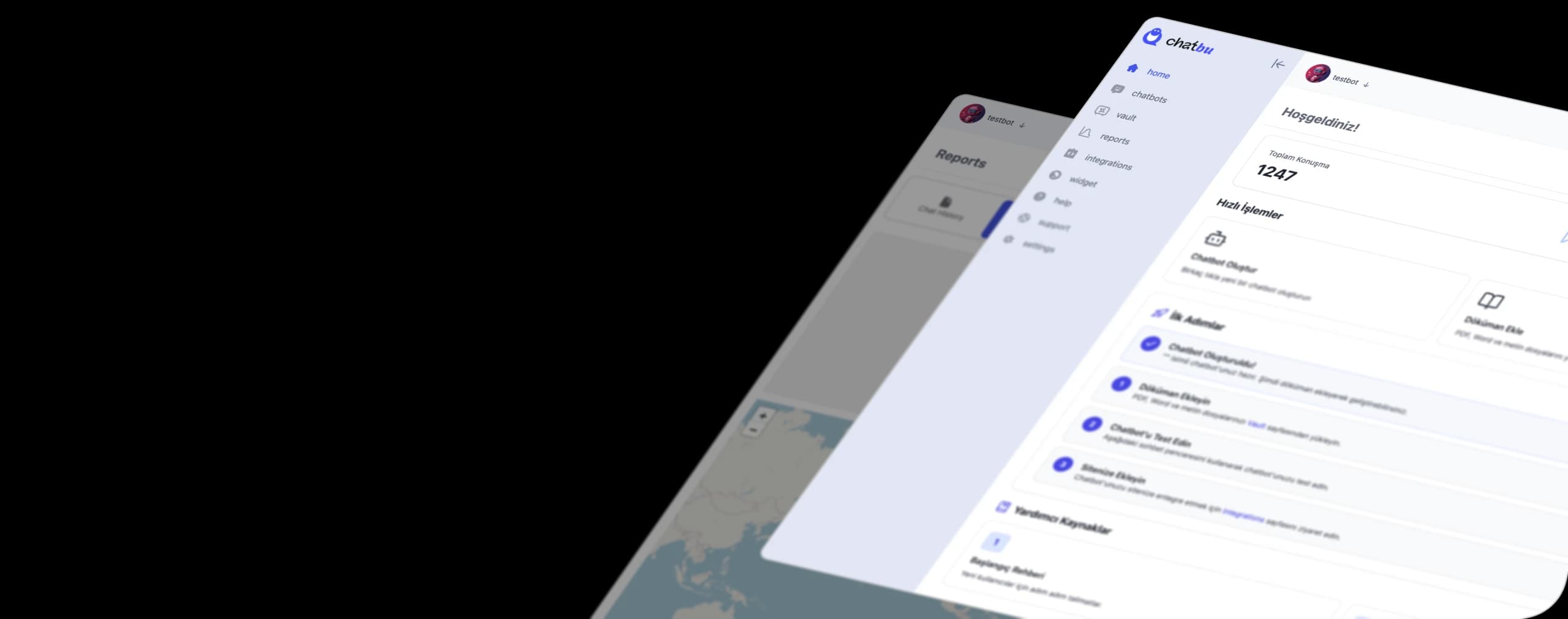
A chatbot for a website is a low-cost investment that, when set up correctly, improves both customer experience and conversion rates. The key is to train the bot with your own content and monitor it regularly. Create your own chatbot with chatbu.io.